
Safari 27.3 Beta Introduces Adaptive Dark Mode That Automatically Darkens Light-Background Sites
WebKit has introduced Adaptive Dark Mode in Safari 27.3 beta. Sites without a dark theme will be converted automatically, so site owners need to test their appearance and logos.
This article was prepared with AI assistance from the official sources listed below, and checked automatically before publication.
WebKit has announced a new feature called Adaptive Dark Mode in Safari 27.3 beta, in a blog post published on 3 November 2026. When users enable it, Safari converts light-background sites to a dark appearance, even if the site owner has not provided a dark theme of their own. The feature can already be tried in Safari 27.3 beta.
What was announced
According to WebKit, dark mode on the web was first supported in Safari 12.1 in spring 2019. However, the gap is still large: almost 40% of web page loads come from dark mode users, while only about 10% of page loads support it. Adaptive Dark Mode is designed to close that gap.
How to enable it:
- Make sure the system appearance is set to dark mode.
- Open a light-background site.
- Safari offers a preview of the feature, and the user chooses "Try".
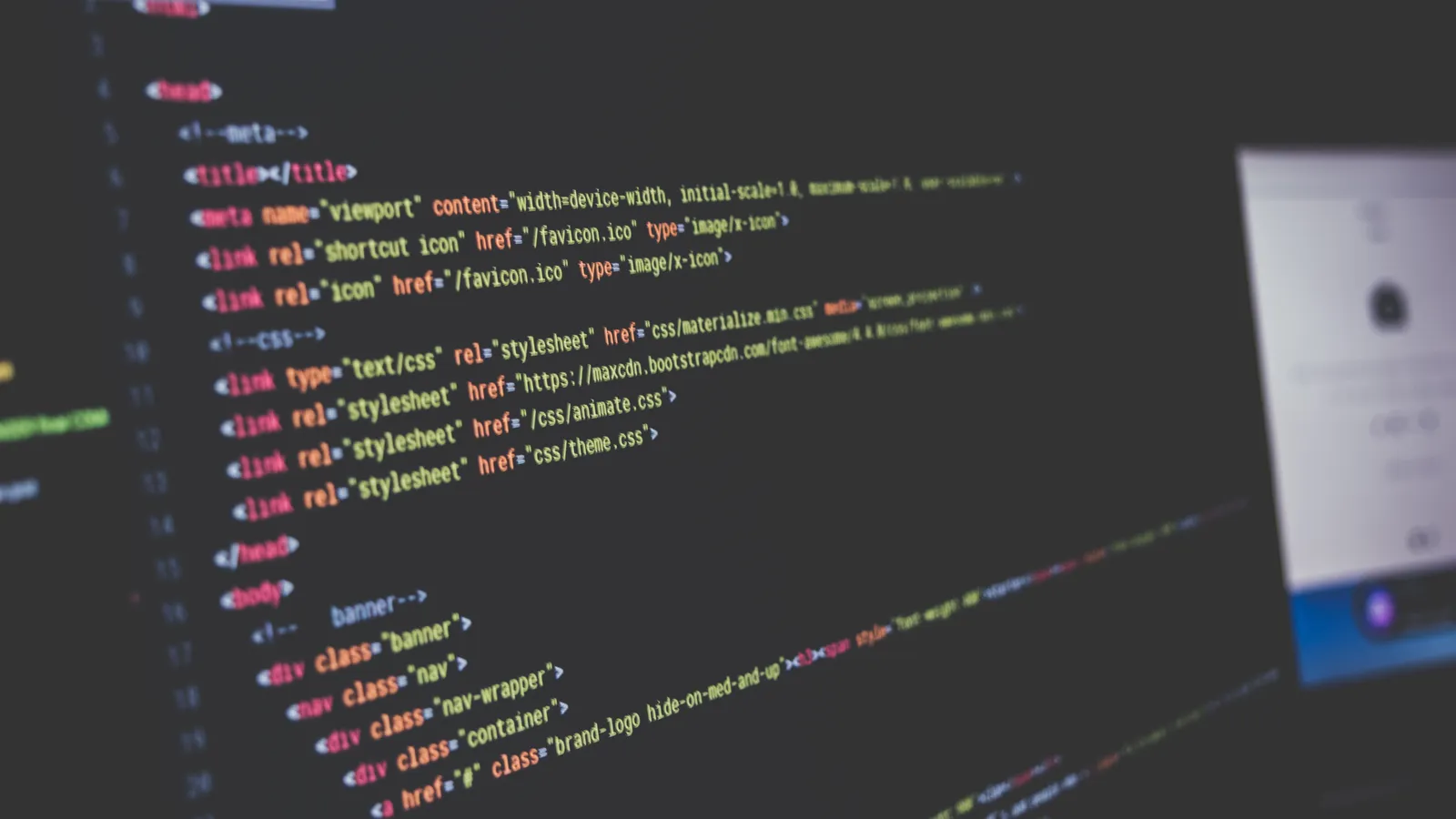
Safari first analyses the page to estimate whether it is predominantly light or dark. Pages that already have a dark background with light text are left unchanged. Sites that declare dark mode support through <meta name="color-scheme" content="light dark"> or color-scheme: light dark in CSS are also left untouched.
How the transformation works
WebKit developed a colour matrix that inverts luminosity while preserving hue. Light backgrounds become dark and dark text becomes light. For text colour, the target is a WCAG contrast ratio of 4.5:1. Light CSS gradients are also converted to dark ones.
Images are treated carefully:
- Most images are left as they are.
- SVG images are inspected and their colours changed where necessary.
- Bitmap images are analysed using pixel histograms, and simple black-and-white logos have their colours inverted.
<canvas>content is not changed.- Effects such as masks and
mix-blend-modeare disabled in some cases because they can produce undesirable results.
On the privacy side, WebKit states that Safari prevents sites from detecting whether this feature is active. JavaScript that reads CSS colours still receives the original colours, and images drawn to a canvas appear in their original form.
Impact on sites in Indonesia
Government and business sites that do not yet have a dark theme may be transformed automatically on devices using Safari with this feature enabled. The risks lie in logos, visual identity, and the contrast of interface elements, which may appear different from the design. Because the transformation happens on the browser side, site owners cannot detect it through scripts, so hands-on testing is important.
Practical steps
- Test your site in Safari 27.3 beta with a dark system appearance, especially pages with logos, icons, and many coloured components.
- Declare
color-schemeexplicitly through a meta tag in the HTML head and/or a CSS property on:rootorbody. WebKit advises against injecting it later via JavaScript. - Use SVG for logos and icons, not bitmaps.
- Use solid colours or CSS gradients instead of repeating background images, replace image sprites with modern CSS, and create content images with transparent backgrounds.
- If you want to stay light, use
color-scheme: light onlyor thelight onlymeta tag. Support for theonlykeyword arrived in Safari 27.3 beta 2. - For full control, build your own dark mode with
prefers-color-scheme,light-dark(), or<picture>with a dark media query.
WebKit has also opened a feedback channel for site owners at [email protected], while users can report problem sites through Feedback Assistant.
Sources & references
This article is a summary and interpretation by the Oemah Solution team of the sources below. Refer to the original sources for full details and context.